ocelkit
A TypeScript toolkit for mapping the processes in your software, with Claude Code, Codex, OpenCode, Droid, and other coding agents.
Process files
Describe a process in a short TypeScript file
Name the steps and the order you expect. Ocelkit puts the real count on each step and lists what the file leaves out.
import { defineProcess } from 'ocelkit'// Do customers pay after we confirm their order, or do we remind them?export default defineProcess({ name: 'Order payments', activities: { placeOrder: 'place order', confirmOrder: 'confirm order', paymentReminder: 'payment reminder', payOrder: 'pay order', }, flows: { orders: [ ['placeOrder', 'confirmOrder'], ['confirmOrder', 'payOrder'], ['confirmOrder', 'paymentReminder'], ['paymentReminder', 'payOrder'], ], },})Run ocelkit dev and the map opens in your browser. It redraws each time you save the file.

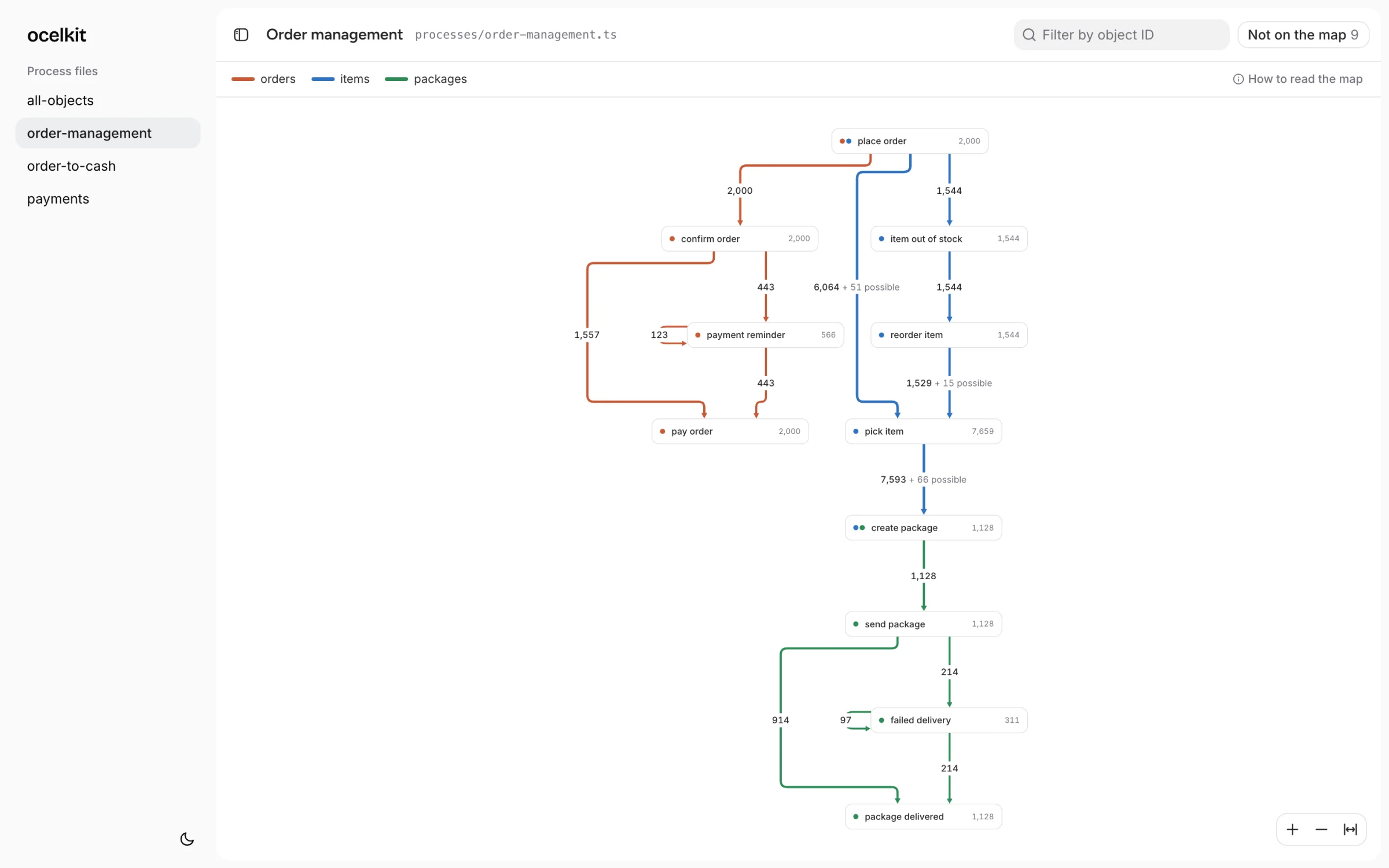
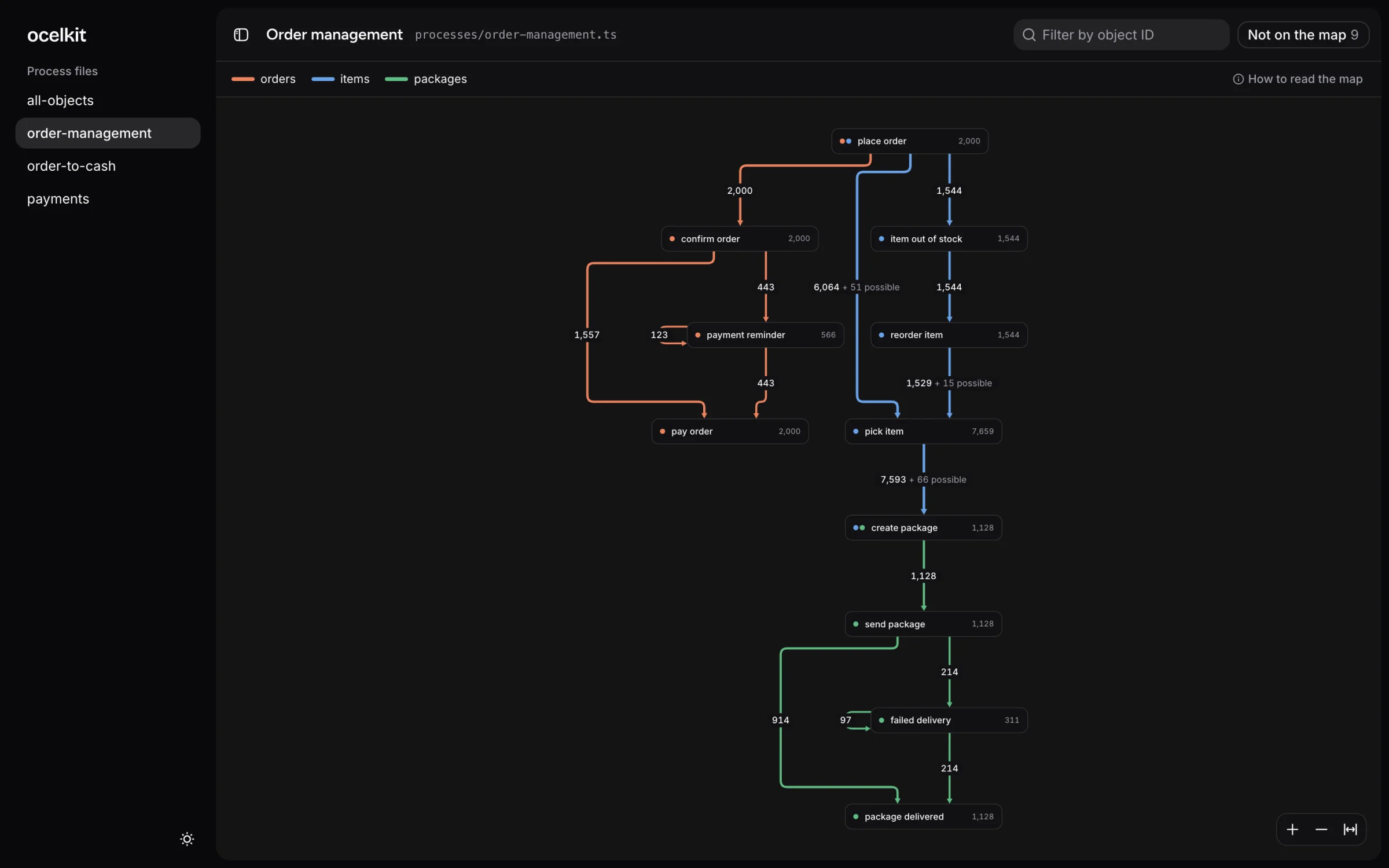
The map
Every number leads back to the data

Counts
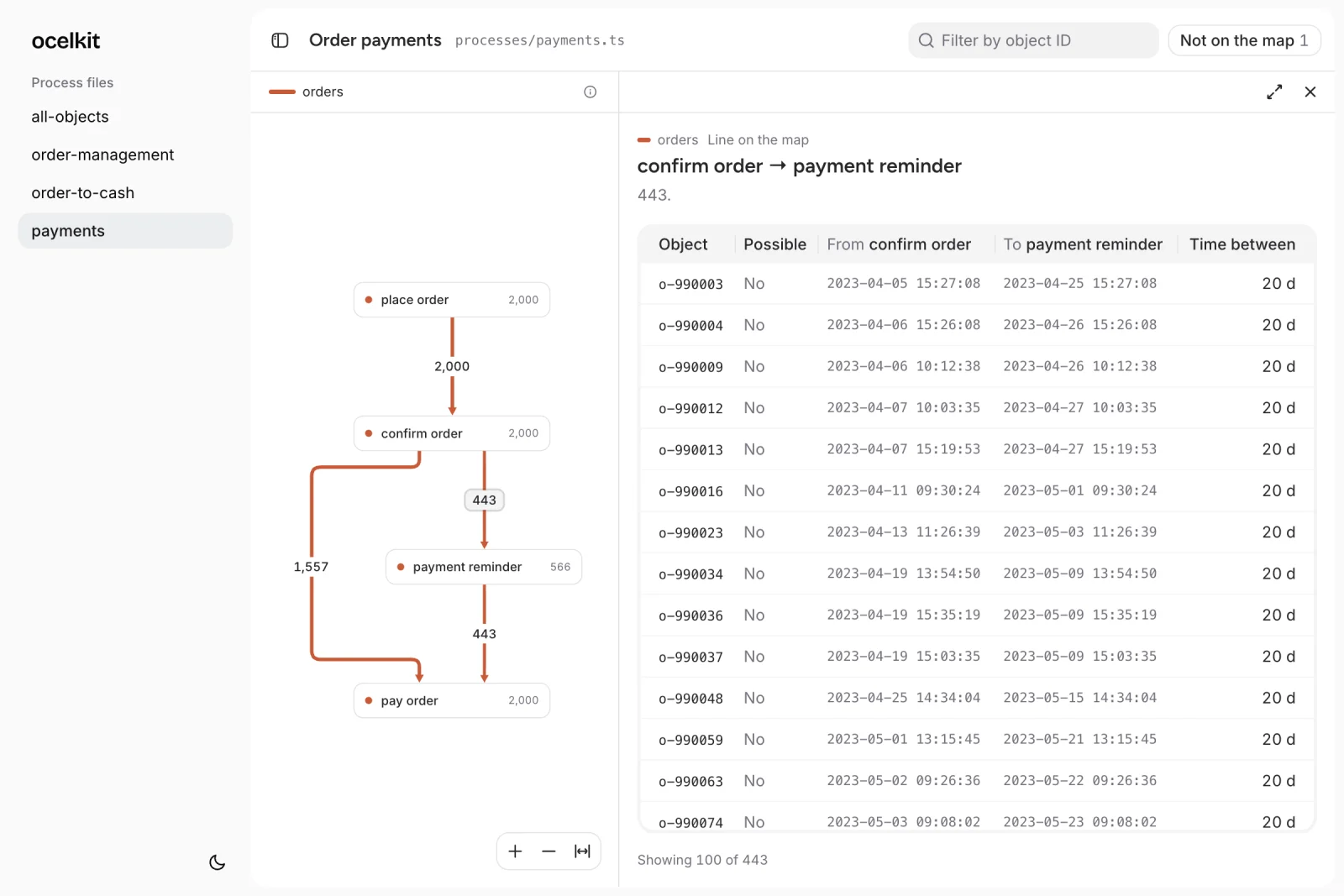
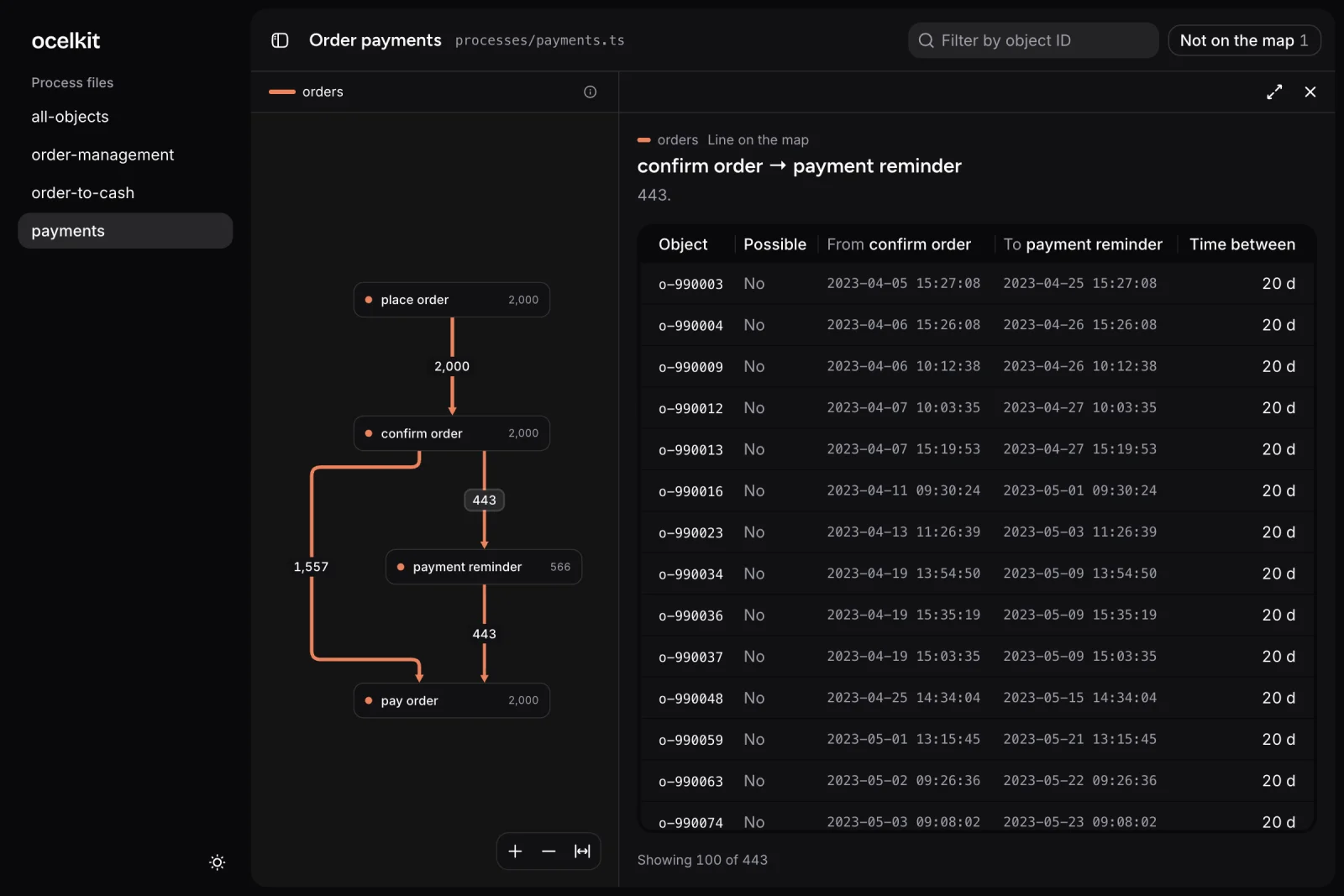
Click a count to see the orders behind it
Every number on the map opens a list of the objects it counts, with the time each one took.

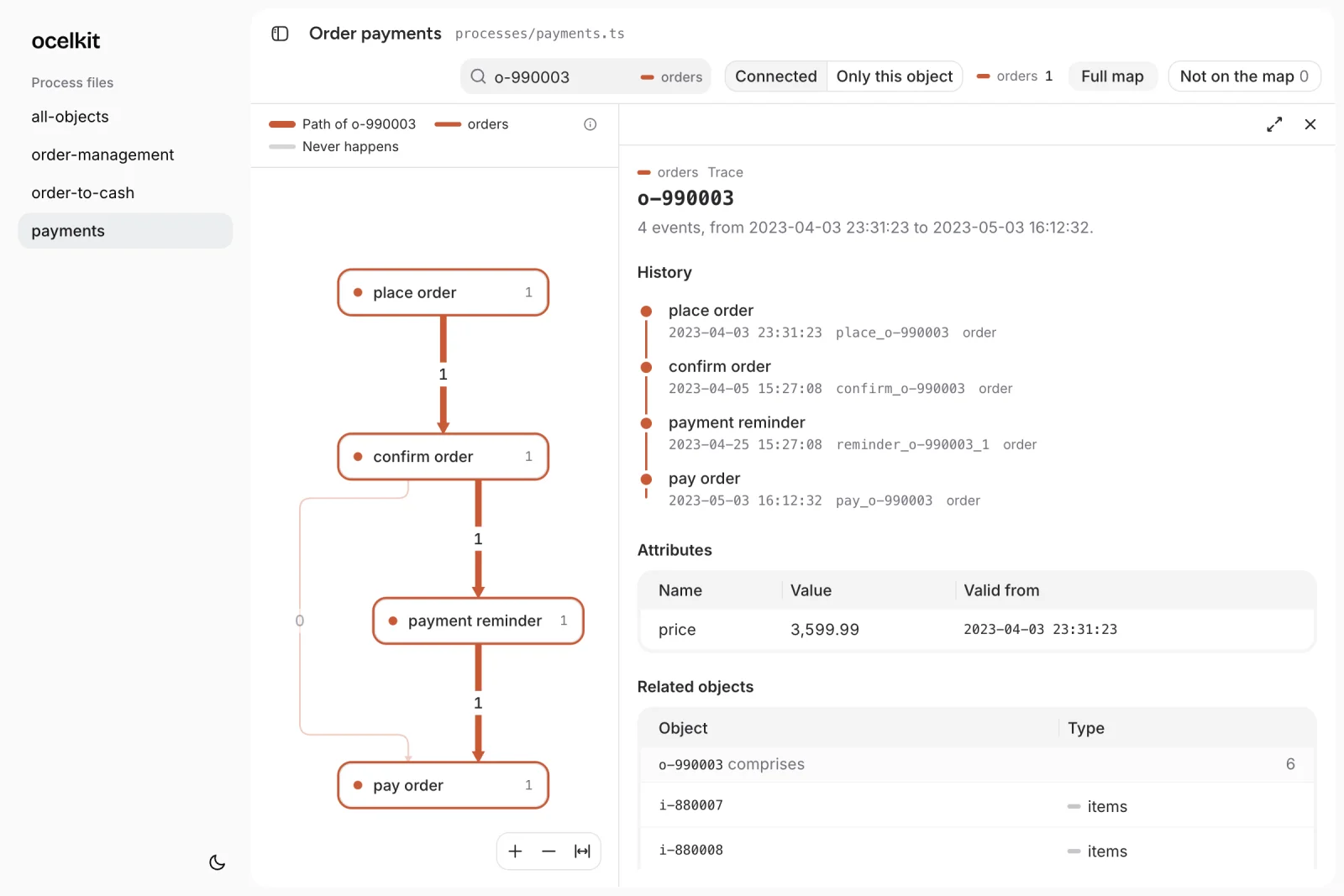
Objects
Follow one order from start to end
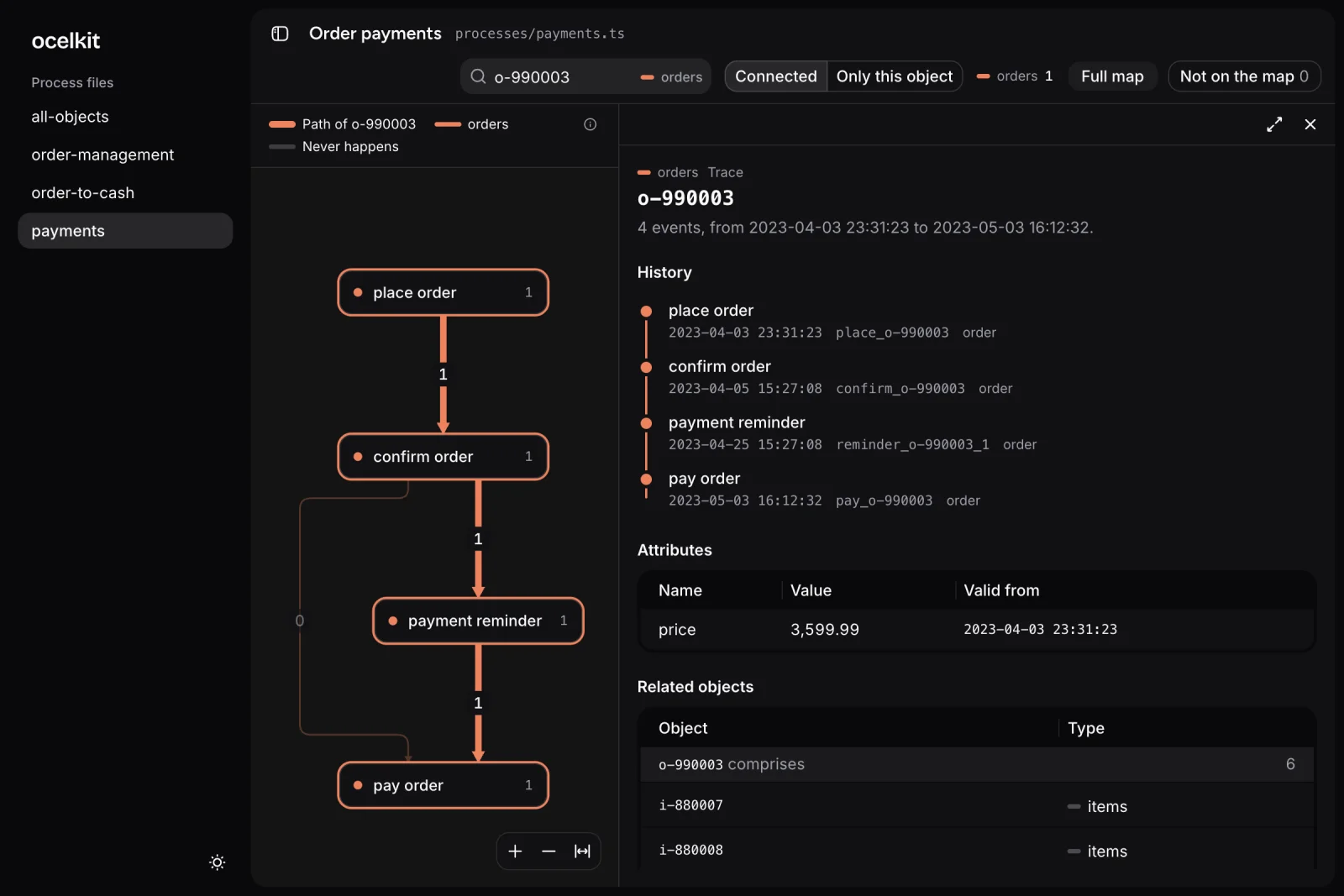
Enter an ID. The map shows the path of that object, and the panel lists its events, attributes, and related objects.

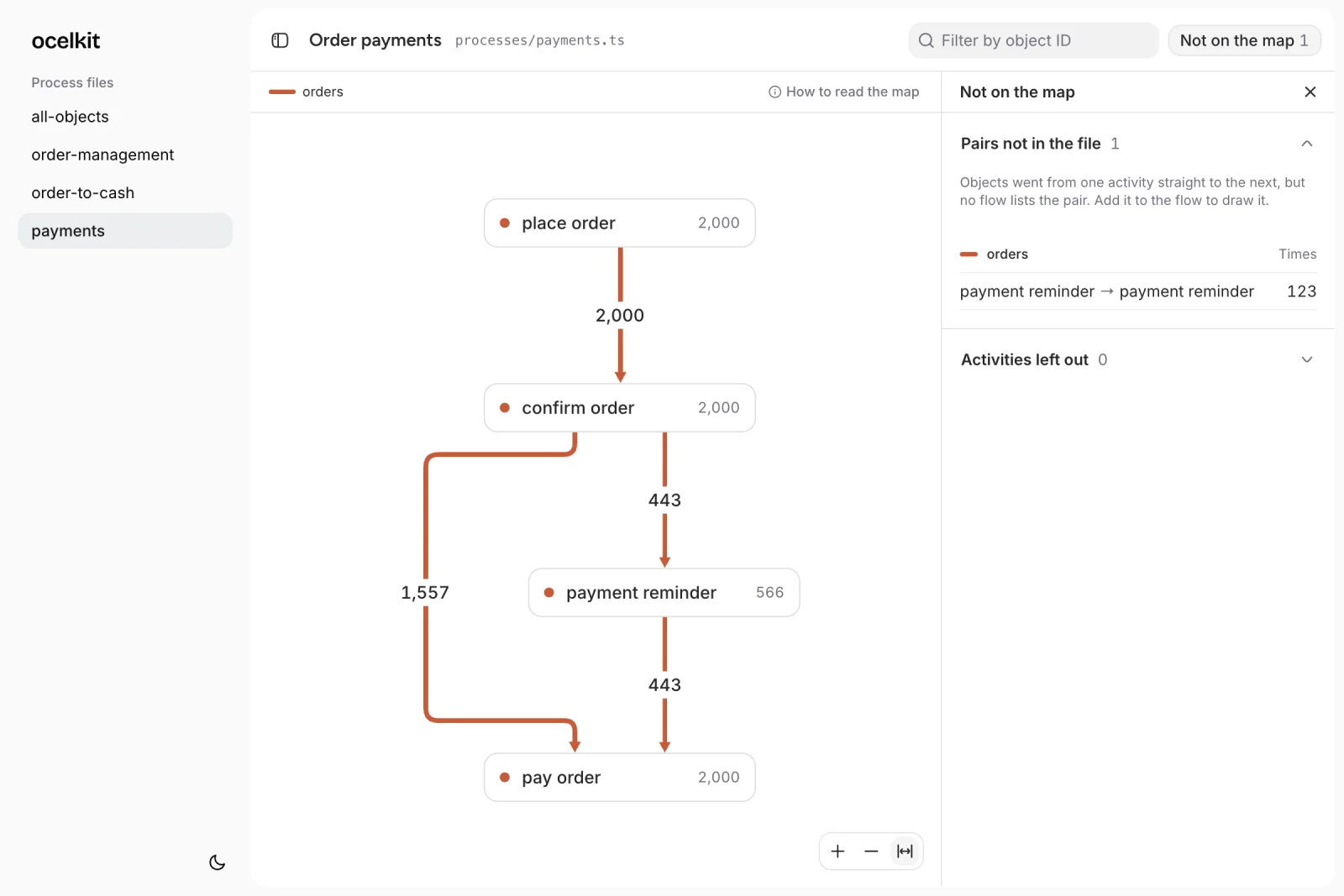
Gaps
See what your file leaves out
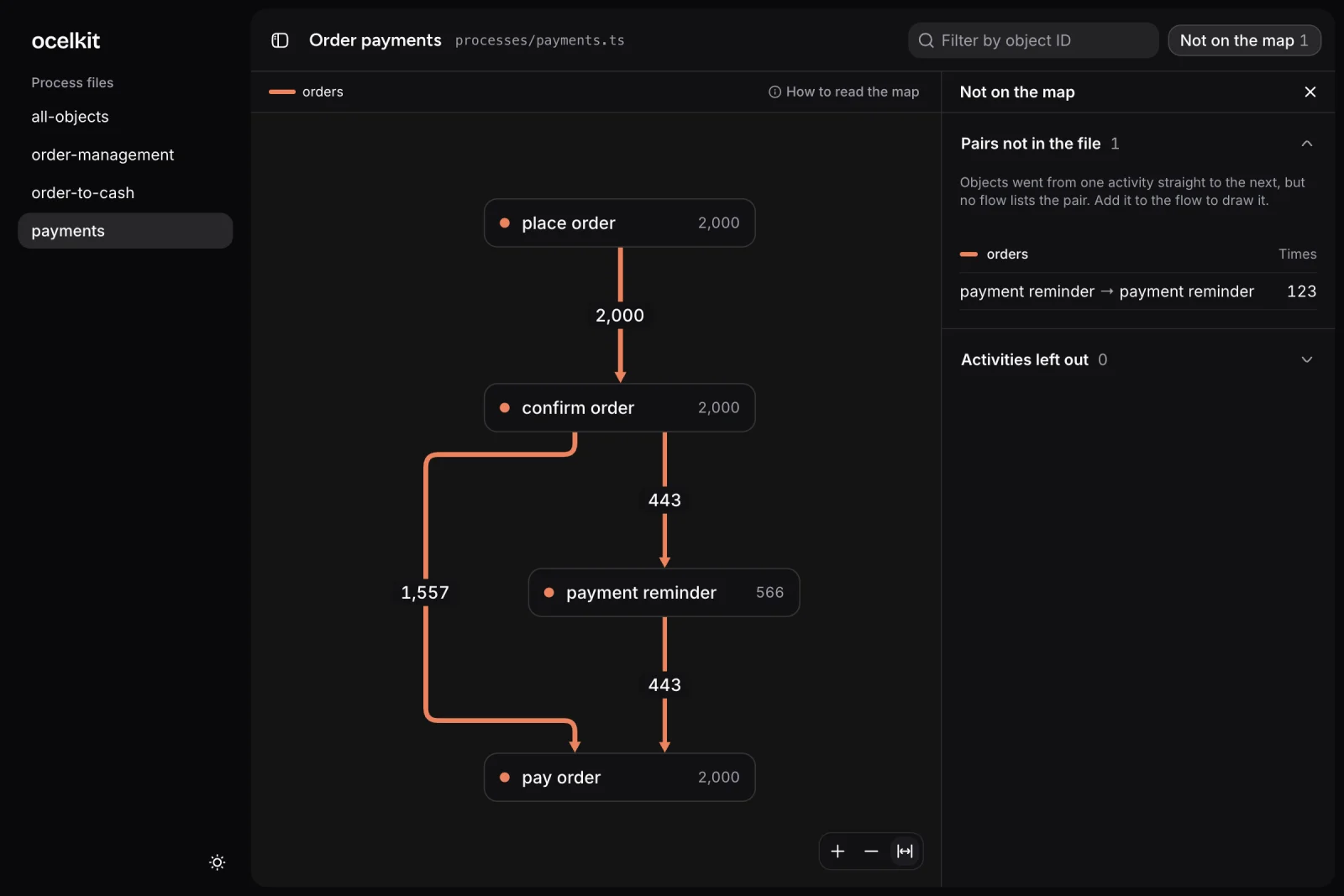
Steps that happened but are not in your file appear under "Not on the map", so the map never hides them.
Agents
For you and your agents
The same files serve you both. You read the map. Your agent reads the files and runs the check, without a browser.
You
- The map redraws when you save the file, so trying an idea takes seconds.
- Click any number to see the objects behind it, or open one by its ID.
- Process files stay in your repository, next to your code.
Your agent
- Process files are typed TypeScript. A flow that uses a step the file does not declare fails in the editor.
- The check compares every name with your data. A step or object type that the log does not have is an error, with the closest match.
- With --json, it gets the same result in a form it can parse.

$ ocelkit checkprocesses/deliveries.ts error activities.delivered "package deliverd" is not an event type in the data. Closest: "package delivered". error flows.package "package" is not an object type in the data. Closest: "packages".processes/payments.ts no problems2 errors, 0 warningsSkills
Your agent builds the event log
Your process data sits in your code, your database, your logs, your OLAP warehouse, and in tools like Stripe. Turning it into one OCEL file by hand is slow. Ocelkit ships skills so your coding agent writes the extraction, checks the file, and keeps the code in your repository.